Administrator modules
Staff use one ASI User ID and password for the membership, sales and website modules. Their roles determine which tools they can open. These examples illustrate the proposed site for review before deployment.
Membership
The new Membership module provides the staff interface for member records, memberships, account assistance, credit balances, membership sales, settings and change history. Its menu links to detailed instructions and screenshots for each task.
Sales
The existing sale database (IrisDB) and store use ASI sign-in for staff access. The Sales guide explains role checks, inventory-sync authorization and the account link needed for the store dashboard.
Website
The existing WordPress website uses ASI sign-in and the Website admin role. The Website guide explains dashboard access, automatic account linking and access changes. Editing tutorials are in the separate WordPress menu.
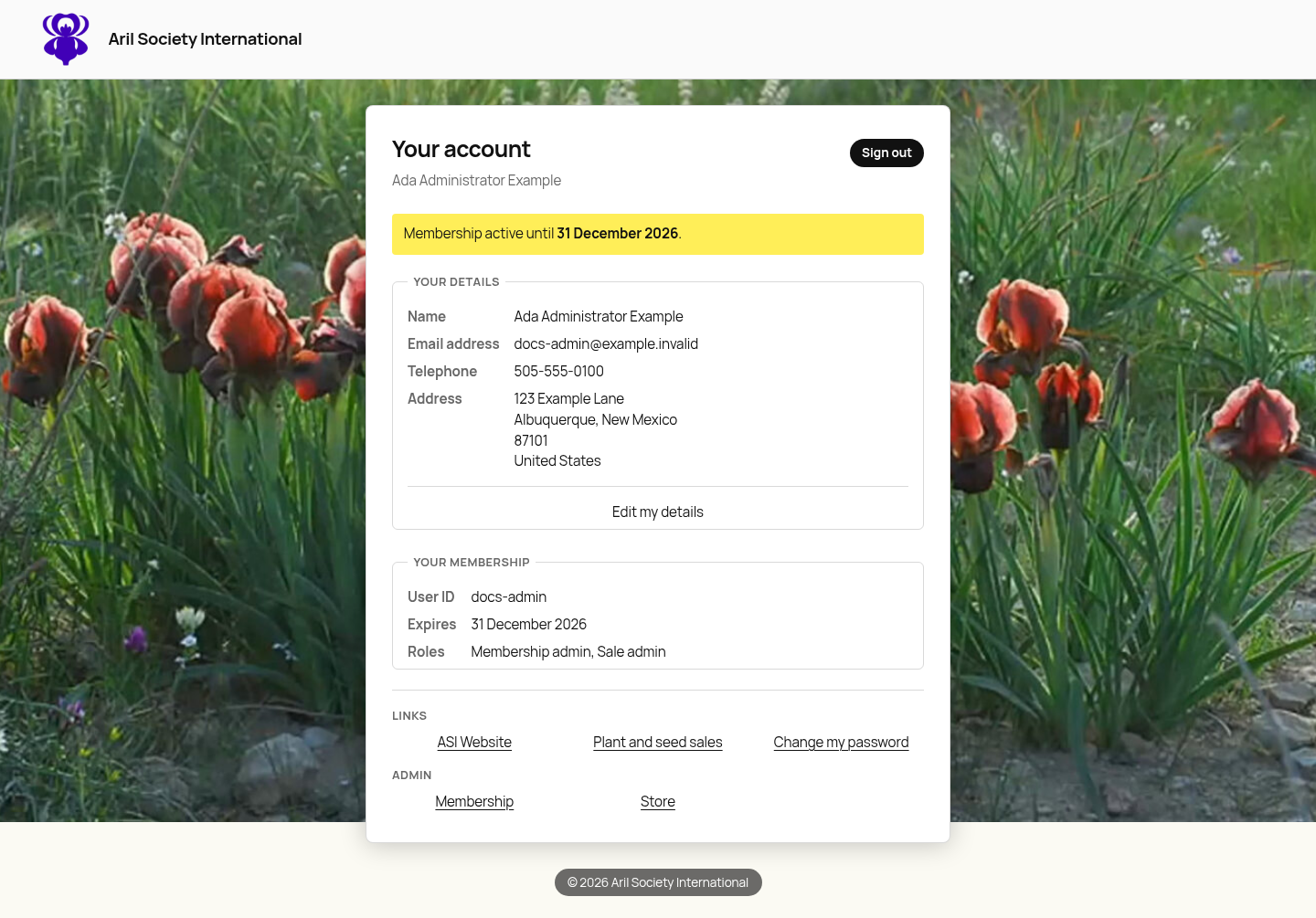
Your ASI account page shows module links according to your access. Ada has Membership admin and Sale admin, so she can open membership and store administration.