New membership module
These examples follow Ada Administrator Example, a fictional staff member with the Membership admin role on the proposed site. This new module brings member records, memberships, membership sales and account assistance into one staff interface.
See administrator roles for the full role comparison.
Sign in
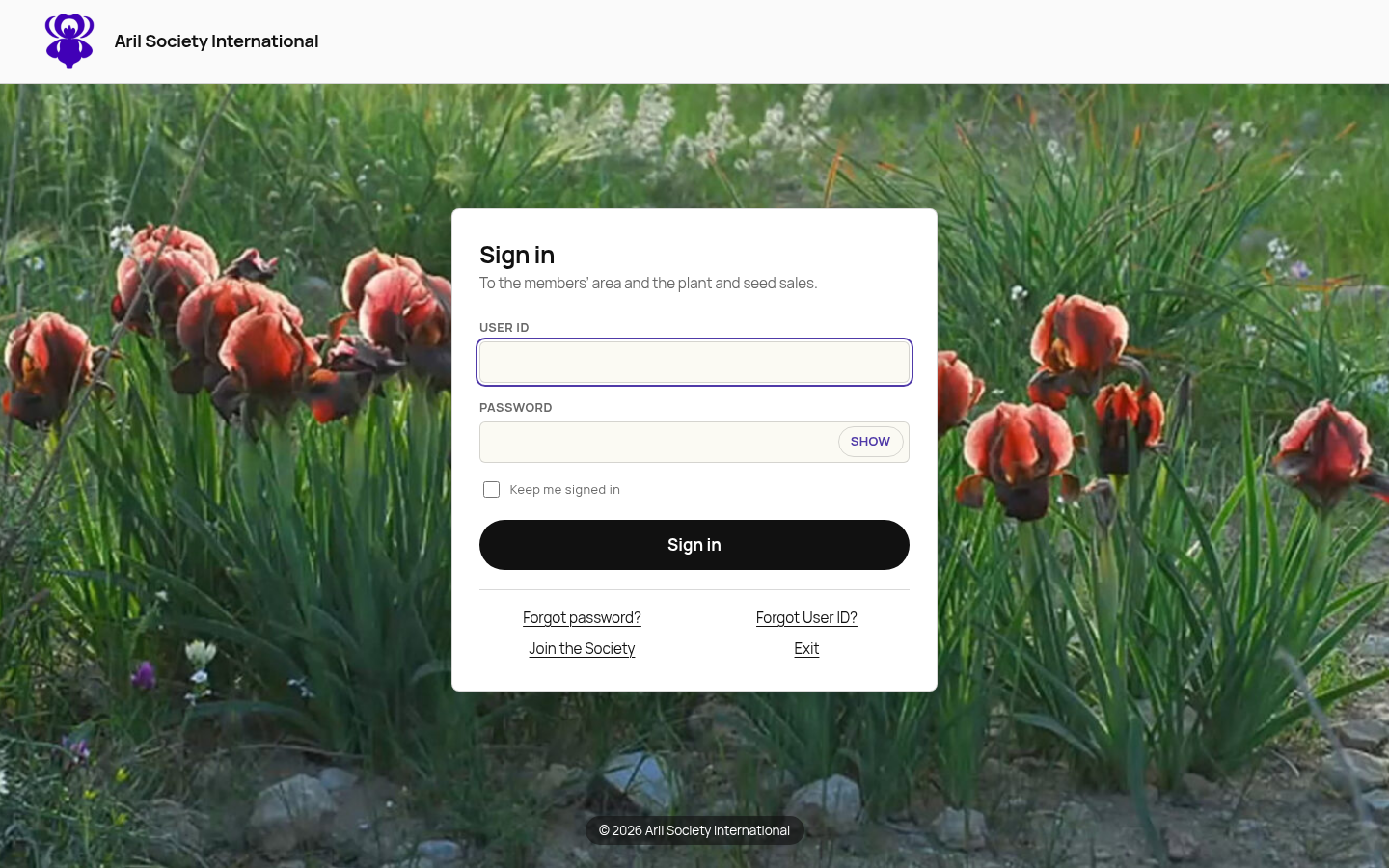
Open membership administration and enter your ASI User ID and password on the central sign-in screen. Successful sign-in returns you to the member roster. If you are already signed in to ASI, it opens without another password prompt.
Membership admins, Membership viewers and Sale admins can read the roster. Editing and export actions depend on their assigned roles.
Use the module
- Member records: find people, edit contact details and review history.
- Memberships: add offline memberships and adjust membership dates.
- Account assistance: correct User IDs, manage sale credits and send setup links.
- Membership sales and settings: define and publish membership products and review society-wide settings.
Roles
Use the Roles guide to assign staff access, review each role's permissions and understand what happens when access changes.
Security log
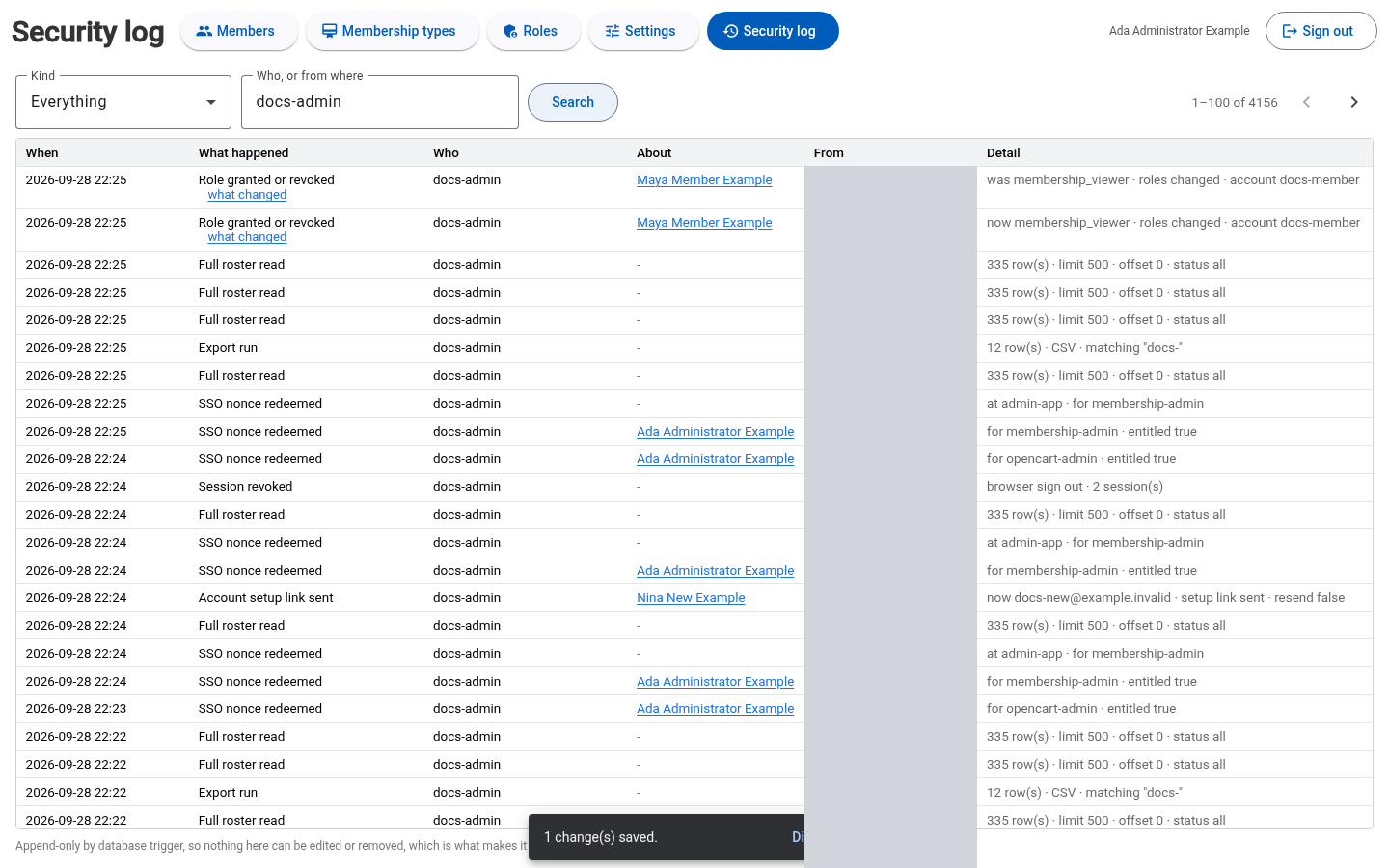
Select Security log, enter a staff User ID and select Search. The log shows sign-in and role activity. This example shows Ada's activity; unrelated rows and network addresses are masked. Reading the security log requires Membership admin.
Sign out
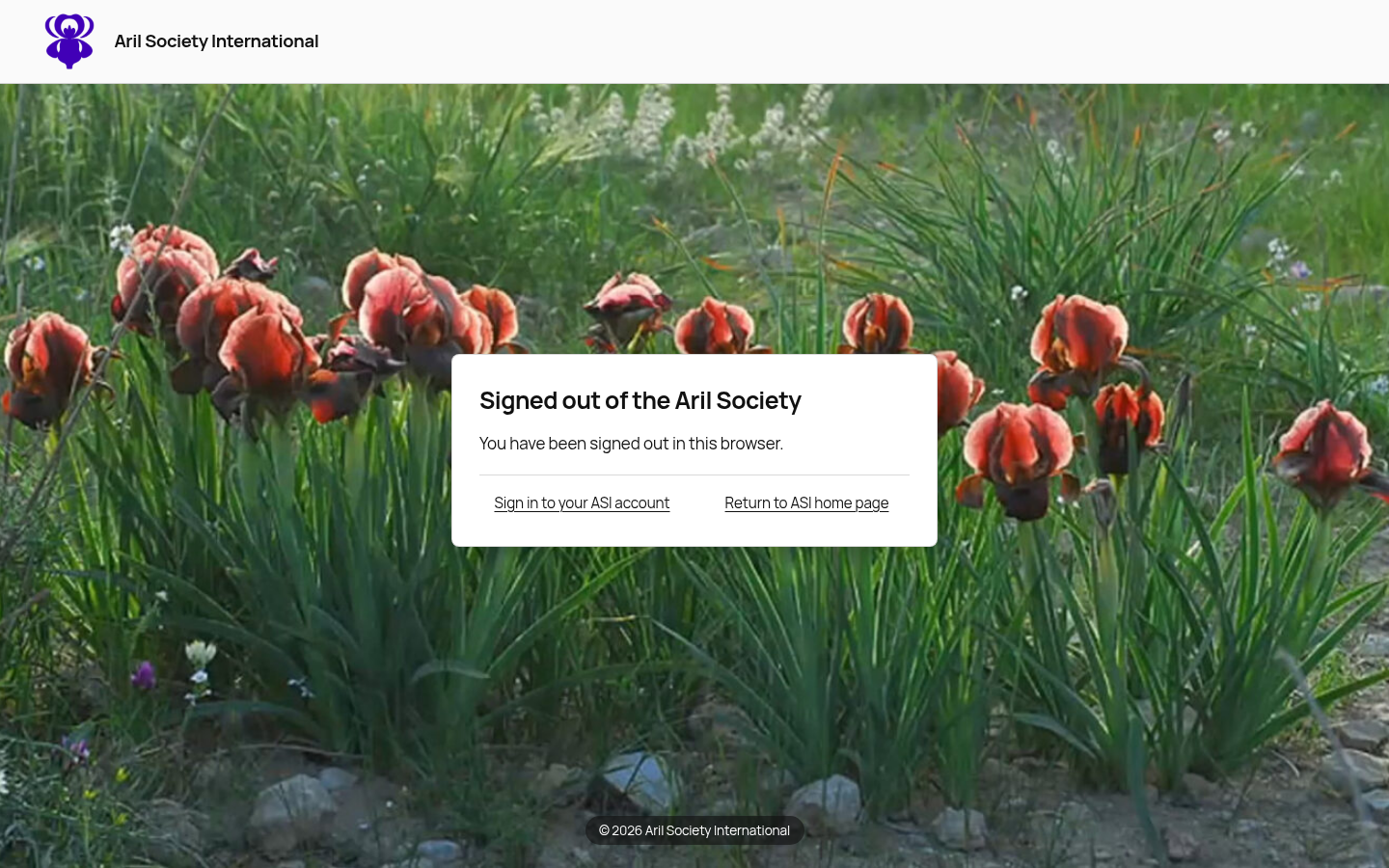
Select Sign out in membership administration. It ends your ASI sessions in the current browser, including access to the website, shop and sale tools.
The shared confirmation offers Sign in to your ASI account and Return to ASI home page. An already-open page can remain visible, but its next protected action requires sign-in again.