Shopping and membership renewal
These examples show shopping on the proposed site before deployment.
Open the store
Select Plant and seed sales on your ASI account page. The store opens your customer account using the same sign-in, without asking for another password.
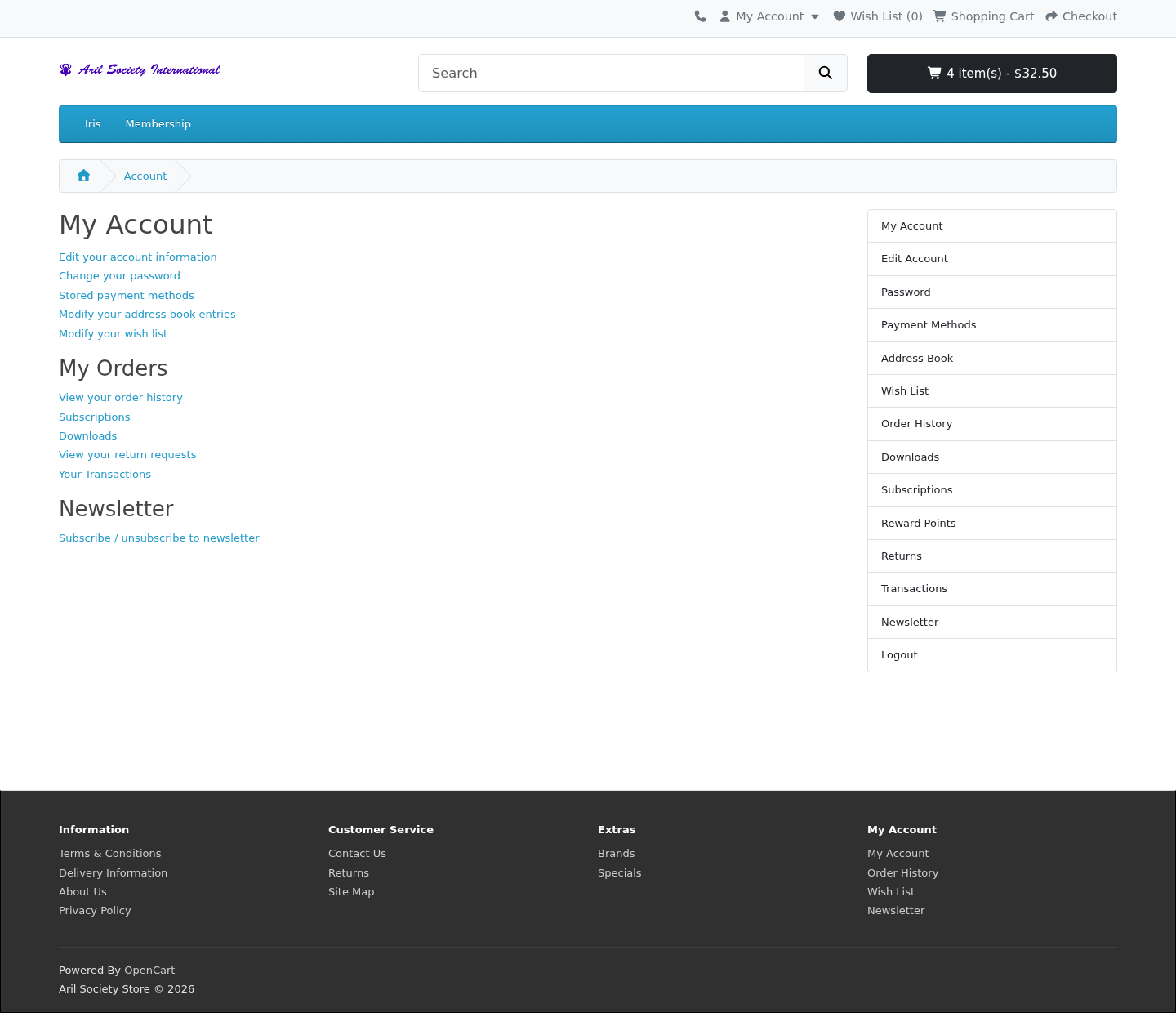
Buy sale items
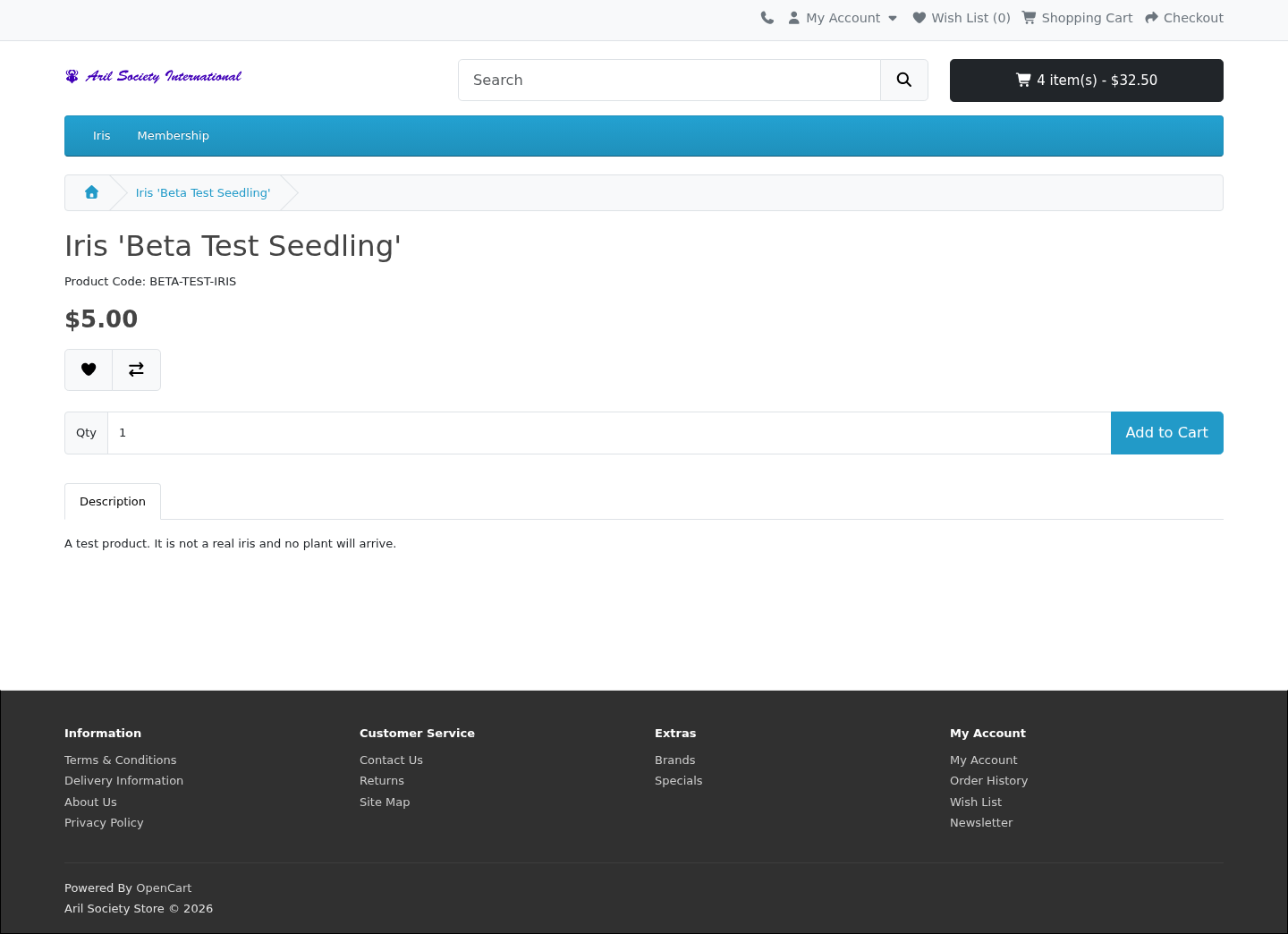
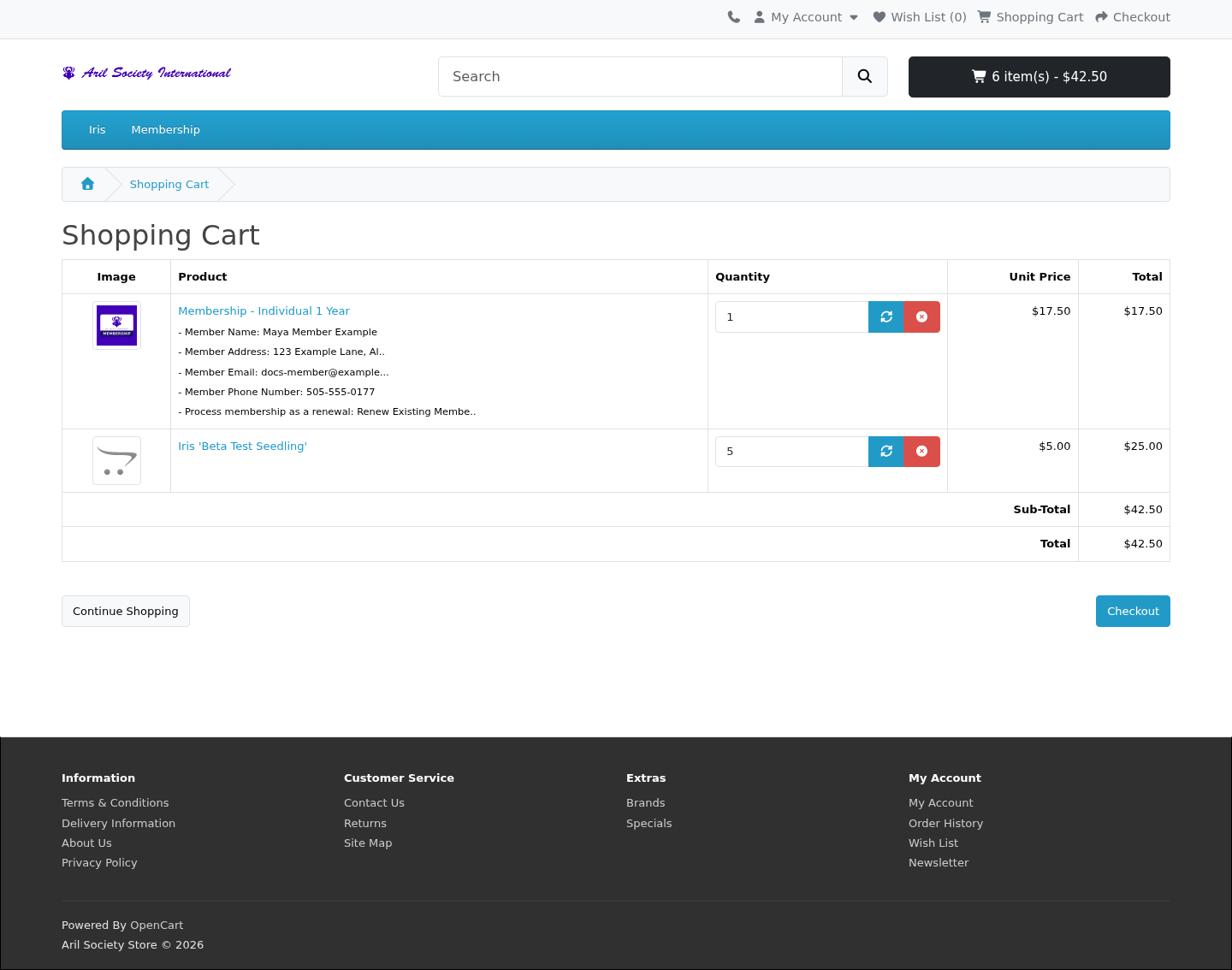
Current members can add plant and seed sale items to their cart. In this example, Maya opens an iris product and adds it to her cart.
Choose a shipping address
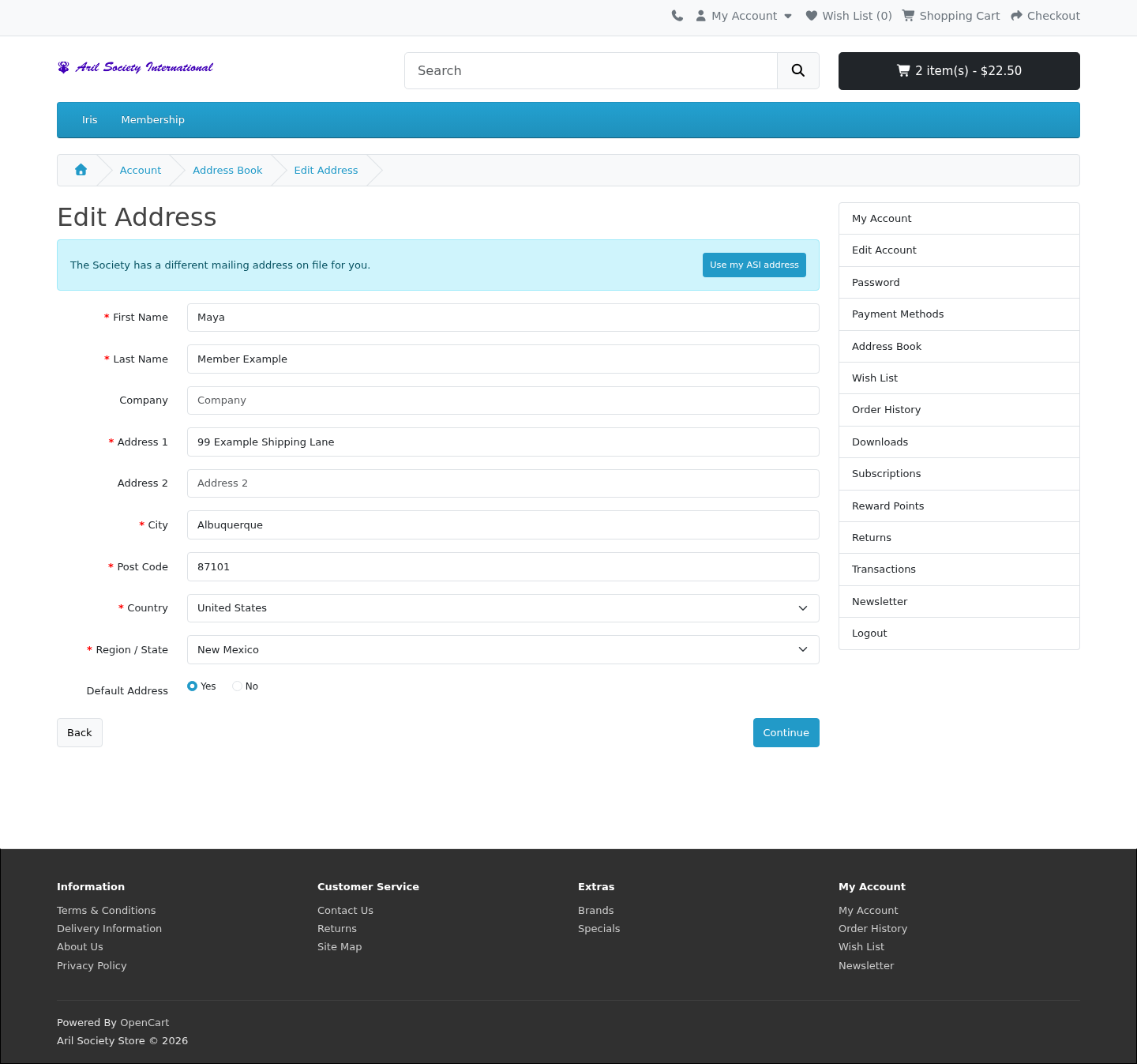
The store uses your Society address to start an empty address book. In the store account, open Address Book to review saved addresses or select New Address to add another. When editing a saved address that differs from the Society's address, Use my ASI address fills it in. This offer is also available when the address book is empty. Review the address and select Continue to save it.
At checkout, choose the shipping address for that order. You can use a different address without changing your permanent Society contact details. To correct those details, use Edit my details on your ASI account.
Renew an expired membership
An expired member can still sign in and update their contact details. Sale purchases require current membership, so the store offers a renewal route when an expired member tries to add sale stock.
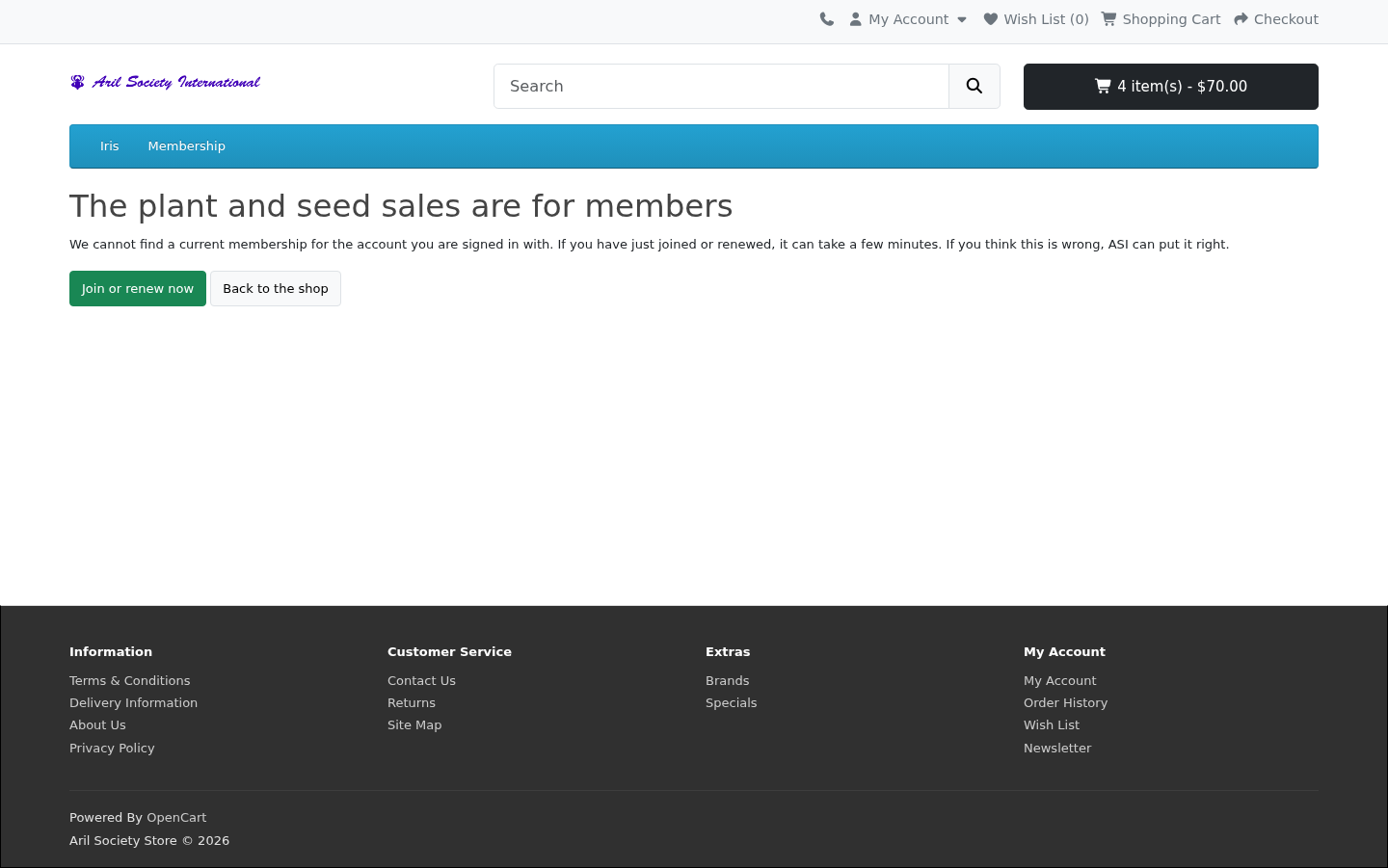
Membership products remain available to expired members and visitors who have not signed in. The membership application asks for the required name, address and email before adding membership to the cart.
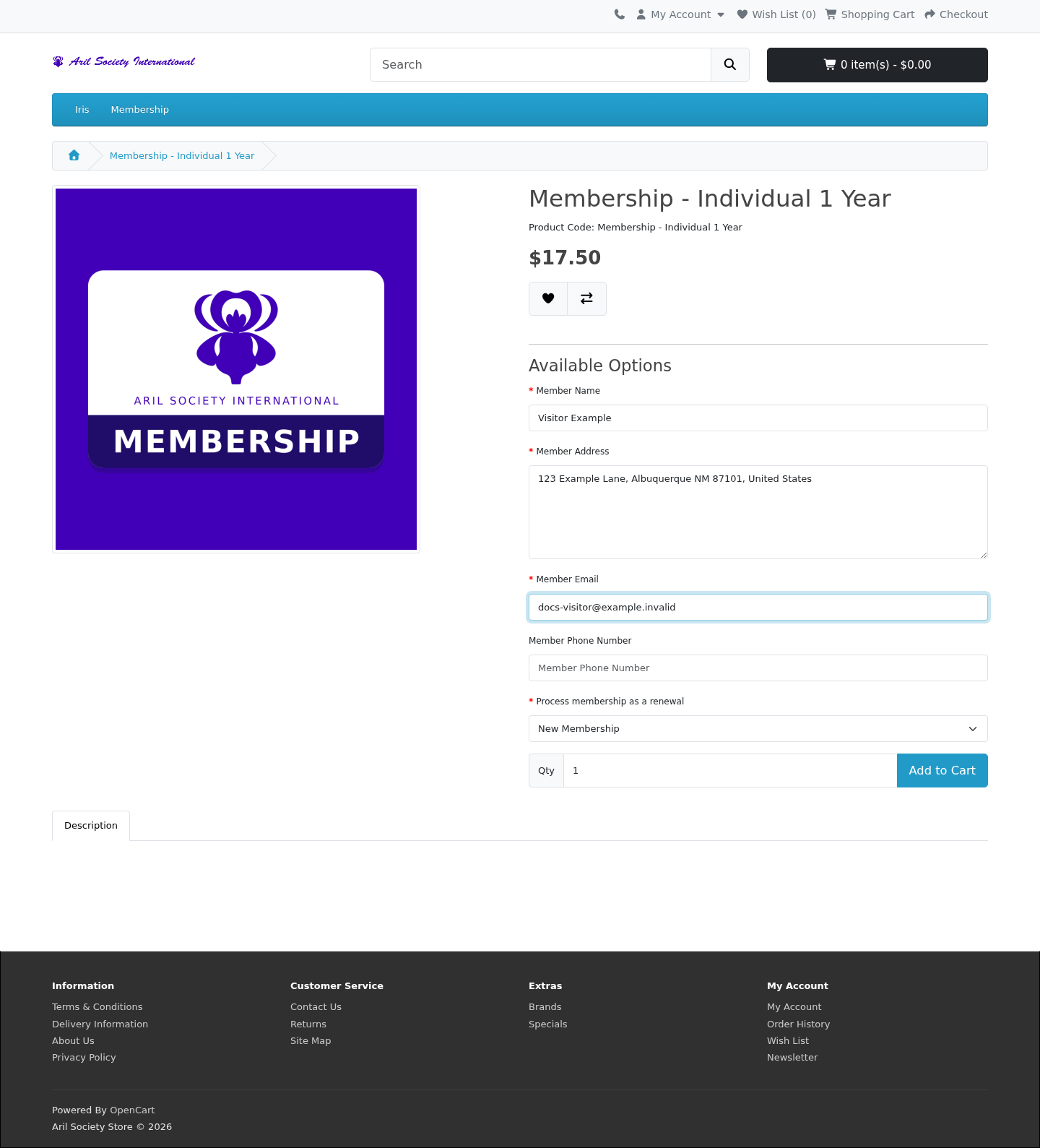
Complete joining or renewal
Continue from the cart to Checkout, review the membership and buyer details, and follow the payment instructions. Use the member's email address on the membership application so the purchase can be matched to their record.
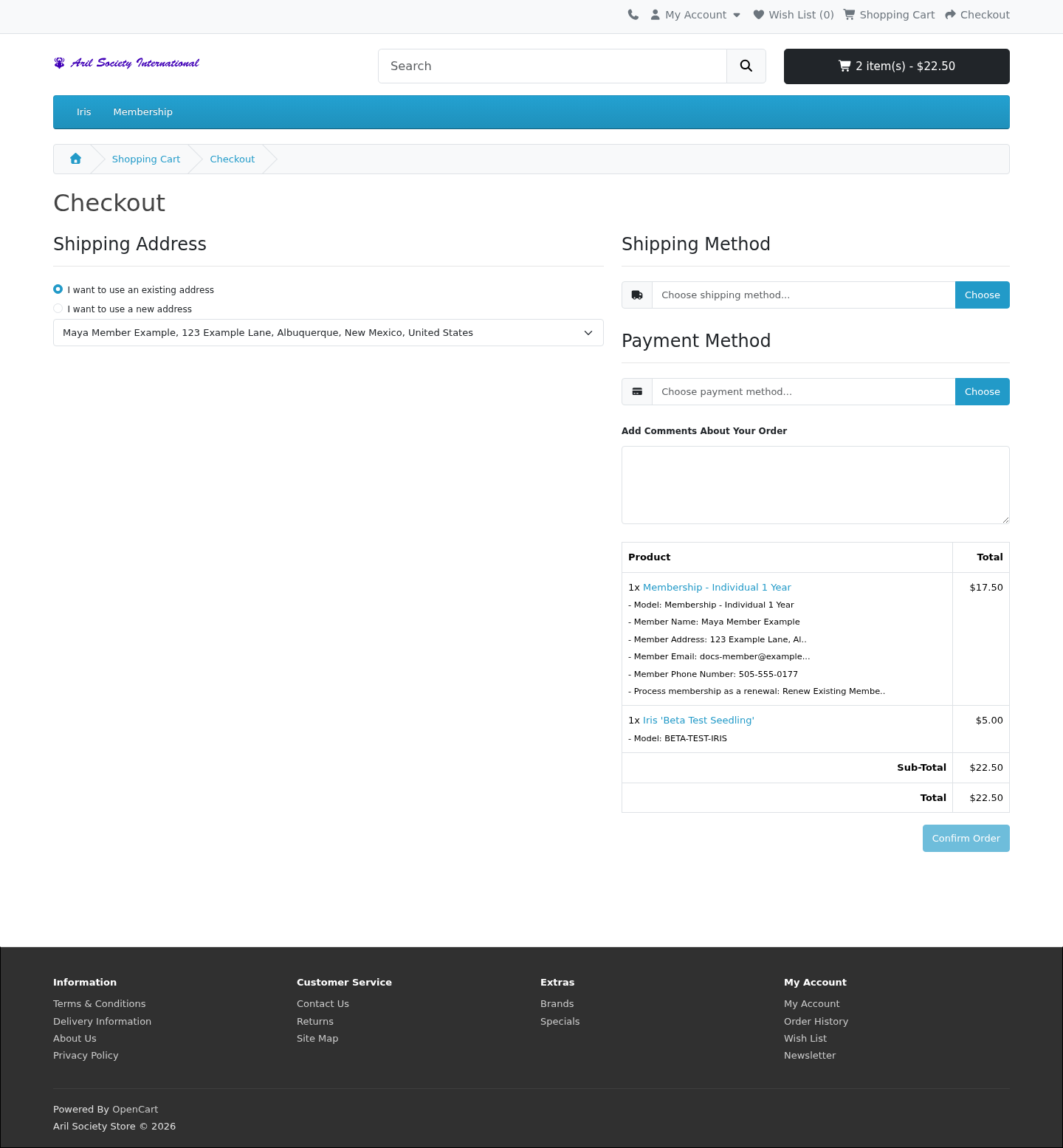
Adding membership to the cart or placing an order does not activate it. Activation happens after the store recognizes payment and the membership update has processed it. Payment authorization alone does not grant a membership. The updated date can appear later than checkout; ask membership staff if a paid order is still awaiting an update.
For renewal, sign in and check the expiration on Your ASI account. Purchased time stacks on existing membership time, including mixed Print/Electronic renewals. Once membership is current, Members Only and the sale purchase tools become available.
For a new member, the processed purchase creates their membership and sends a welcome email with a setup link. Follow account setup to choose a User ID and password, then sign in and check the membership date. Existing members retain their sign-in; renewal does not send a new-account welcome message.
If a welcome email is missing or its link has expired, check spam, use the recovery options, or ask staff to resend it.
Sign out
Select Logout in the store to end your ASI sessions in the current browser. You do not need to sign out separately from the website or your ASI account.