Website
WordPress remains the website editor. The new SSO system connects its staff access to your ASI User ID and password and your assigned role.
Website admin gives full WordPress administrator access. A Membership admin assigns this role in Roles. See the administrator role guide.
Open the dashboard
- Sign in with your ASI User ID and password.
- Open Your ASI account.
- Select Website to open the WordPress dashboard.
A WordPress account is established automatically for authorized website staff. You do not need a separate WordPress password. If you reach WordPress's login screen, select Sign in with your ASI account.
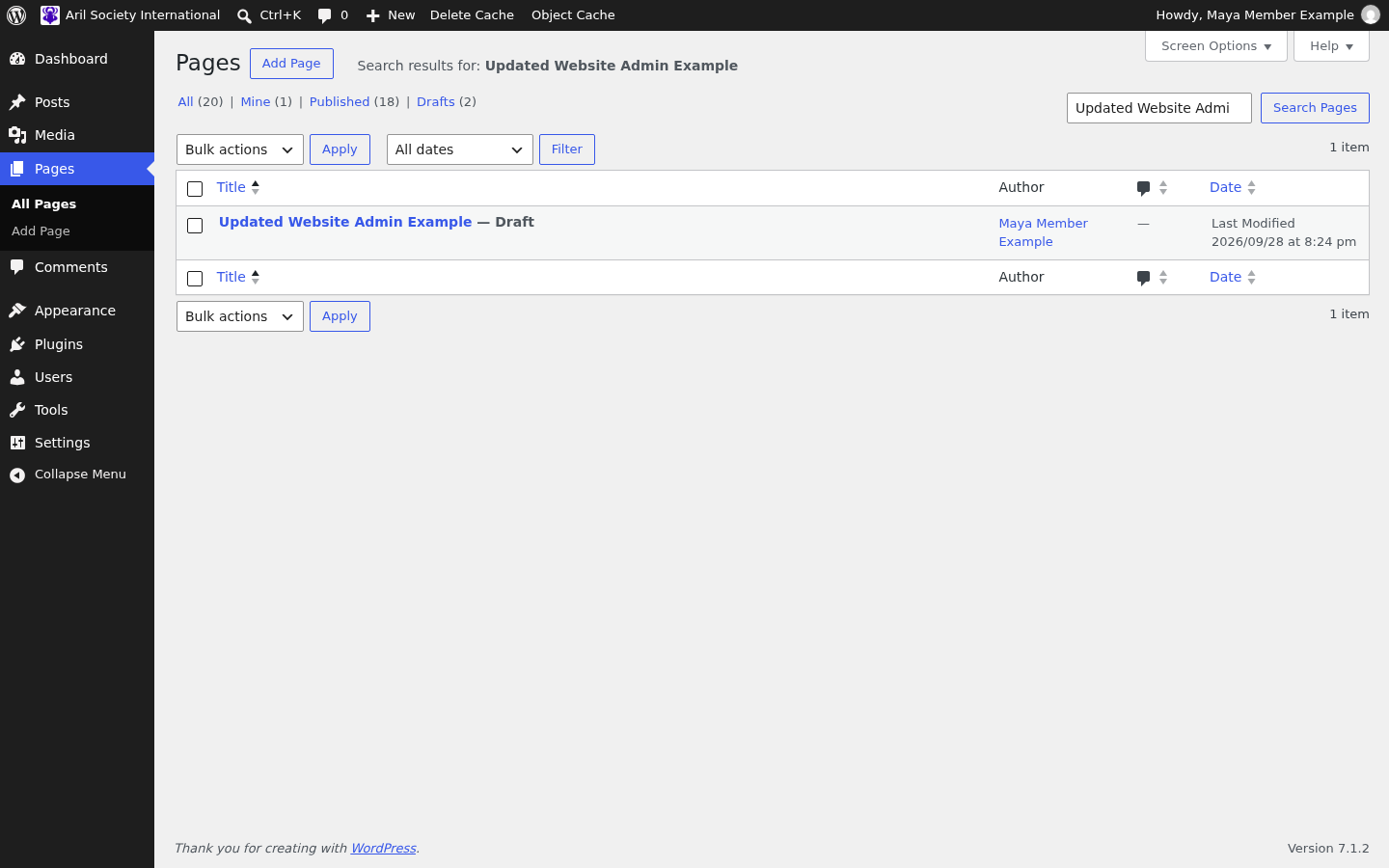
This example shows Maya Member Example with Website admin access.
Use the separate WordPress menu for page, PDF and anchor-editing tutorials.
Access changes and sign-out
Removing Website admin takes effect on the next website request, including saves from an already-open editor. Staff access does not depend on membership expiration.
Select Log Out in the WordPress account menu to end ASI access in the current browser. The same sign-out applies to membership administration, the store and sale tools.