Administrator roles
Roles determine which staff tools your ASI account can use. Assign several roles when a person has several responsibilities.
What each role allows
| Role | What it allows |
|---|---|
| Membership admin | Find, create and edit member records; adjust memberships and credit balances; read member payments and history; export the roster; manage membership sales, including product definitions, prices, buyer questions and publication to the shop; process paid membership orders; change settings; grant or remove roles; read the security log. |
| Membership viewer | Find and read member records, including payment history, and export the roster. No editing, role changes or security-log access. |
| Sale admin | Use IrisDB to manage plant, seed and basket inventory and sync it to the store. Read member records to help with orders. Store dashboard access also needs a matching store administrator account. |
| Website admin | Full WordPress administrator access. |
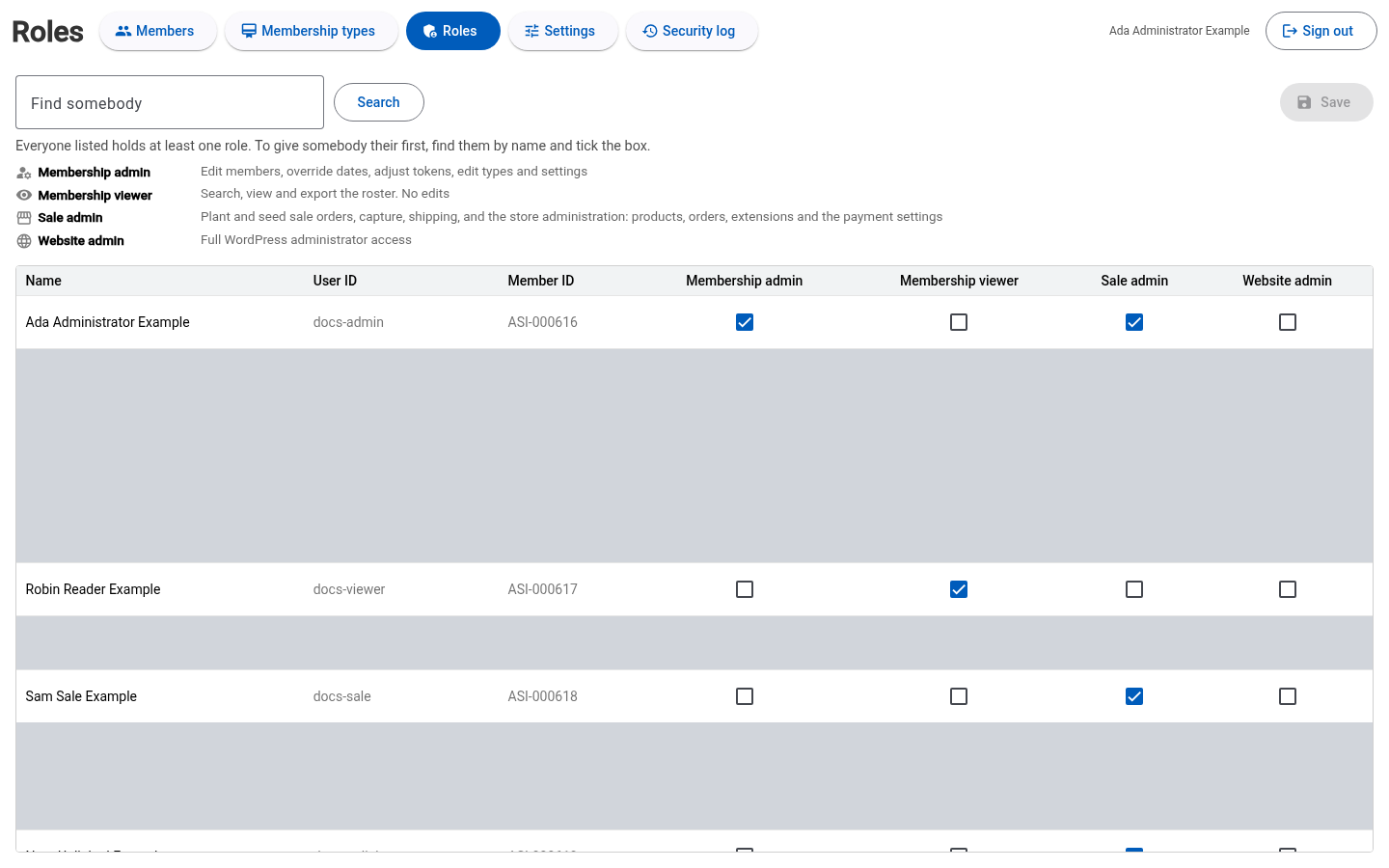
For example, Ada Administrator Example holds Membership admin and Sale admin, so she can administer memberships and manage plant and seed sales. Give a volunteer Membership viewer when they only need to look up members and export the roster.
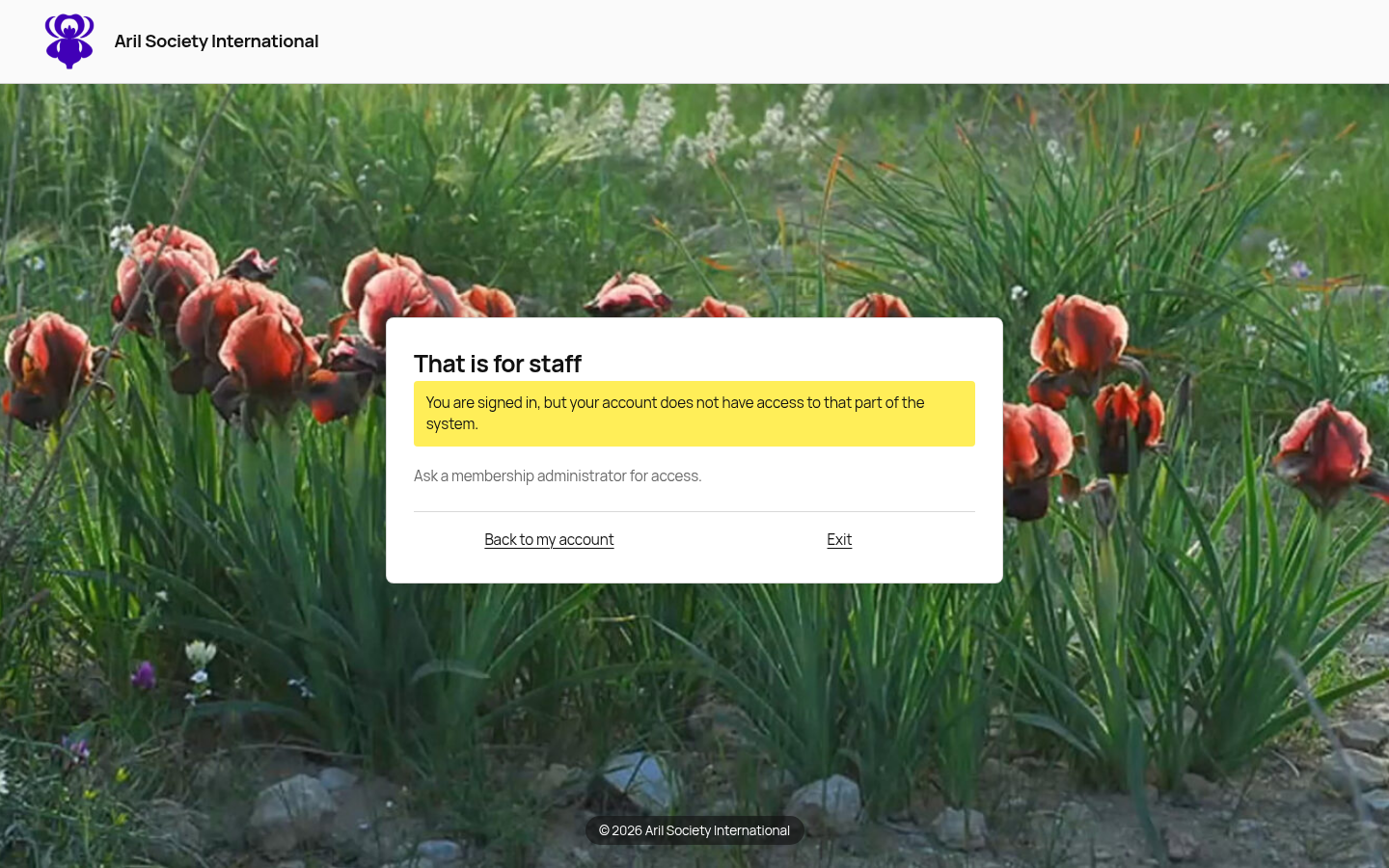
Staff access depends on assigned roles, independently of the staff member's own membership expiration. An ordinary member account has no staff administration access.
Grant or revoke a role
A Membership admin can grant or revoke roles:
- Select Roles in membership administration and search for the person.
- Tick or untick the desired roles. Select every role the person needs.
- Select Save to apply the change.
For membership sales and publication to the shop, grant Membership admin and follow the membership product instructions. For plant, seed and basket inventory and store dashboard access, grant Sale admin and follow the Sales guide. For WordPress access, grant Website admin and follow the Website guide.
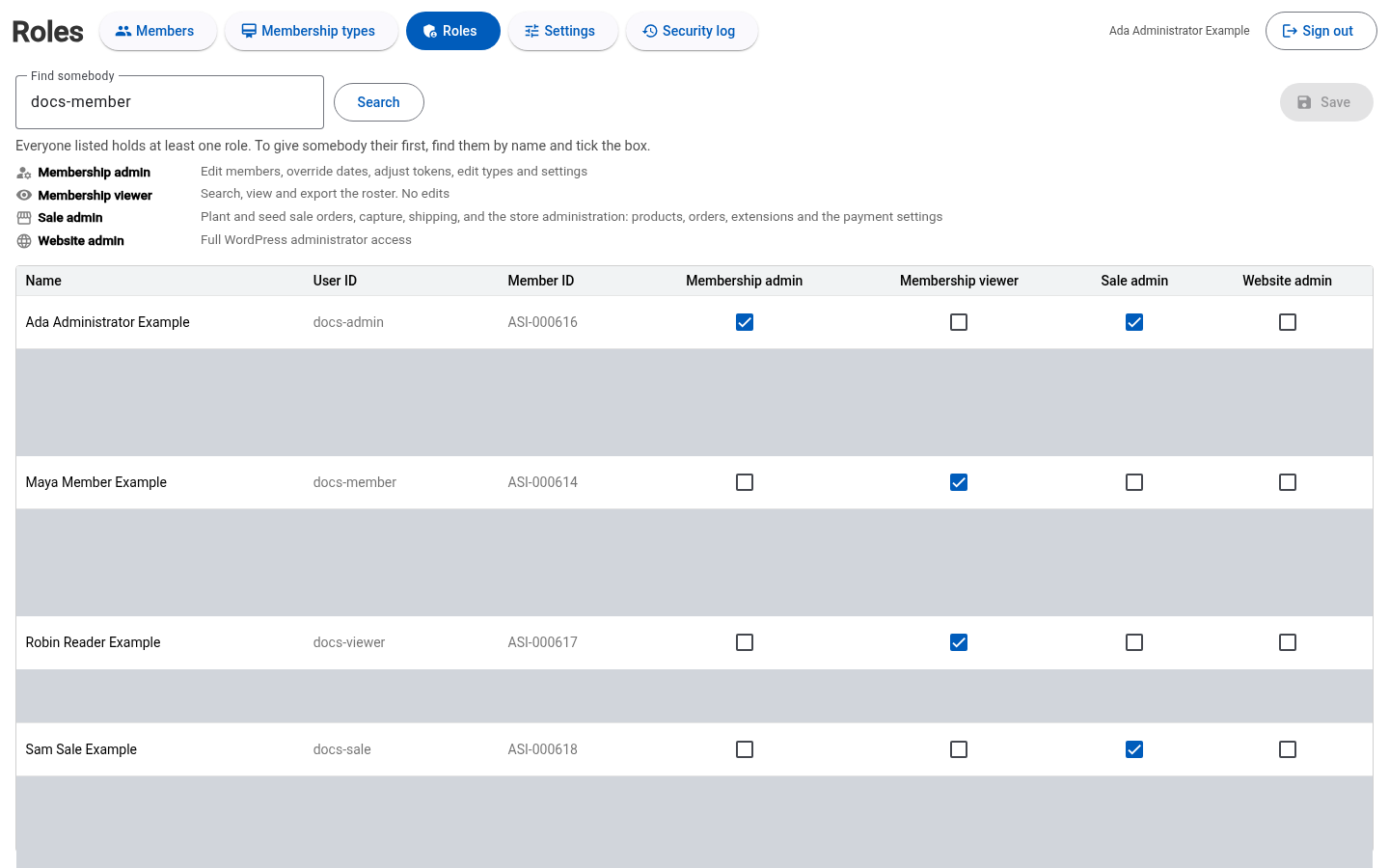
In this example, Maya Member Example receives Membership viewer.
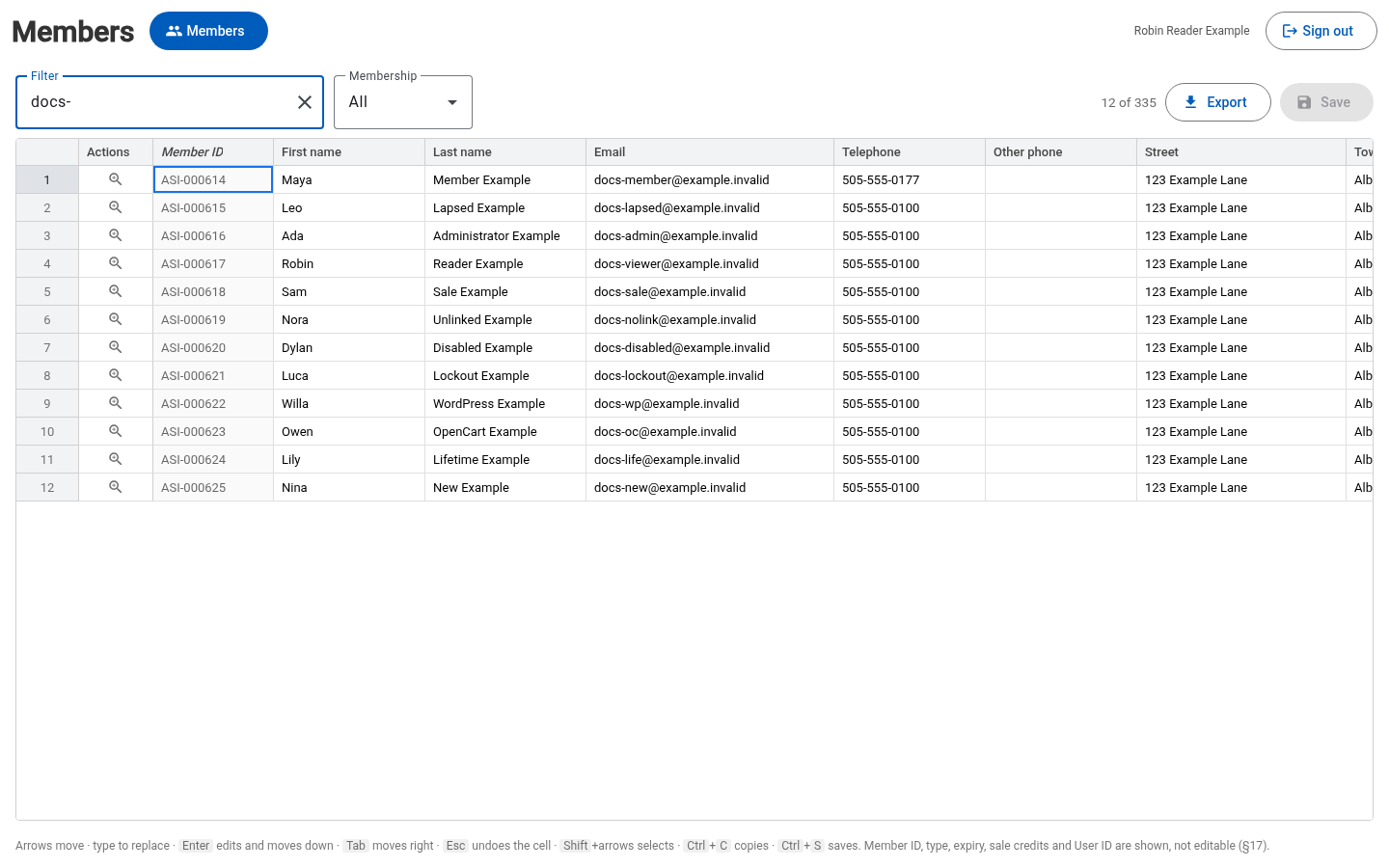
Robin Reader Example shows the roster available to a Membership viewer.
The last active Membership admin cannot be removed. Assign Membership admin to another active account before transferring the responsibility.
When access changes
Saved role changes take effect on the next protected request, including in an already-open session. A page or button can remain visible until refreshed. Removing one role leaves access provided by the person's other roles. Changes record who granted or removed the role.
Ordinary members cannot enter staff administration tools.