Sales
The existing sale database (IrisDB) manages plant, seed and basket inventory. The new SSO system gives each staff member access through their ASI User ID and password, replacing the shared editing password.
Sign-in and access
A Membership admin assigns Sale admin through Roles. This role grants access to IrisDB independently of the staff member's own membership expiration.
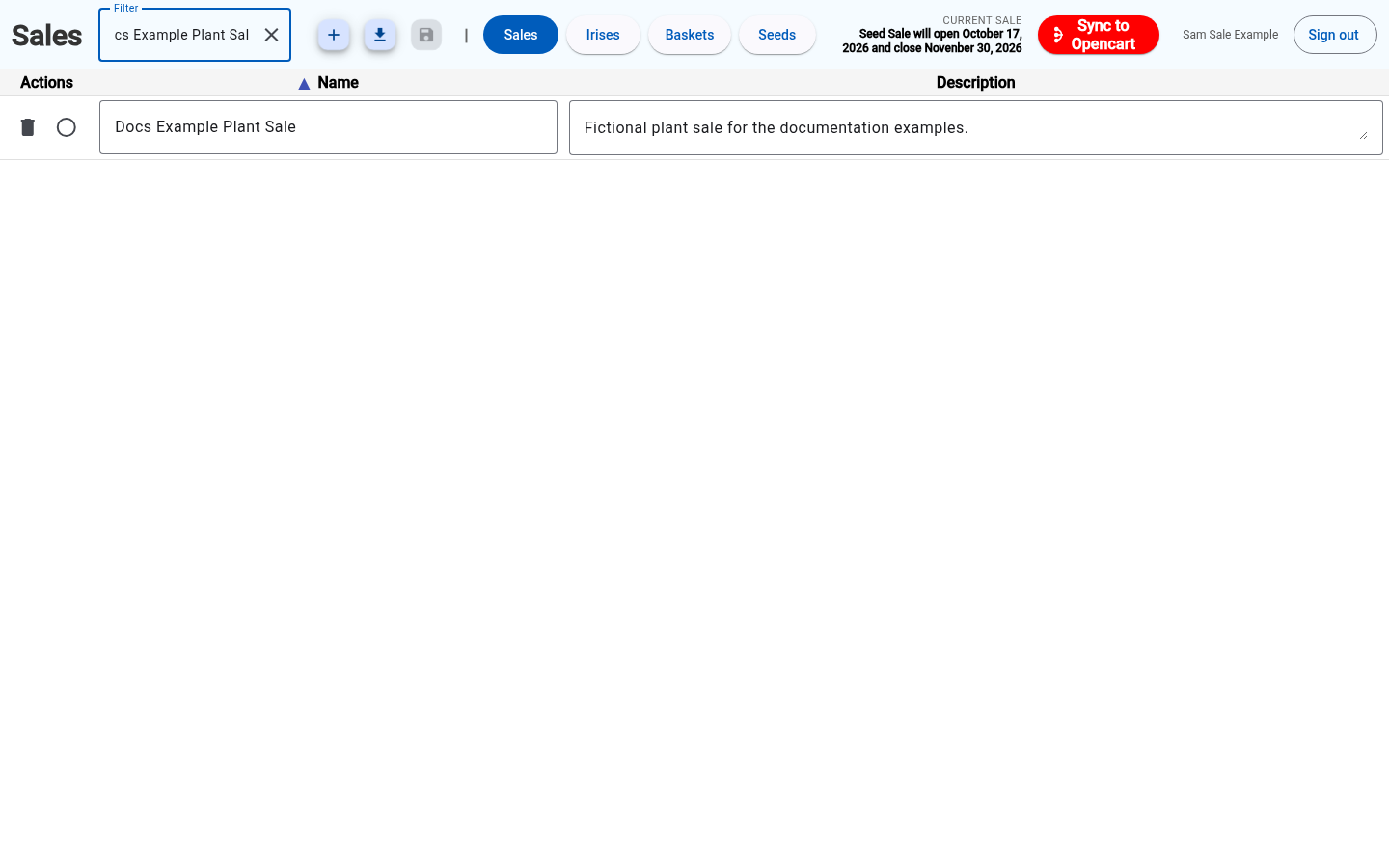
Open the sale database. If prompted, use the central ASI sign-in screen; the browser returns to IrisDB afterward. An existing ASI sign-in opens it without another password prompt. Sam Sale Example demonstrates this access.
Inventory sync
The existing Sync to Opencart action requires Sale admin. A linked store administrator account is not required for syncing from IrisDB.
Membership product definitions and publication are handled by Membership admin in the new Membership sales and settings guide.
Store dashboard access
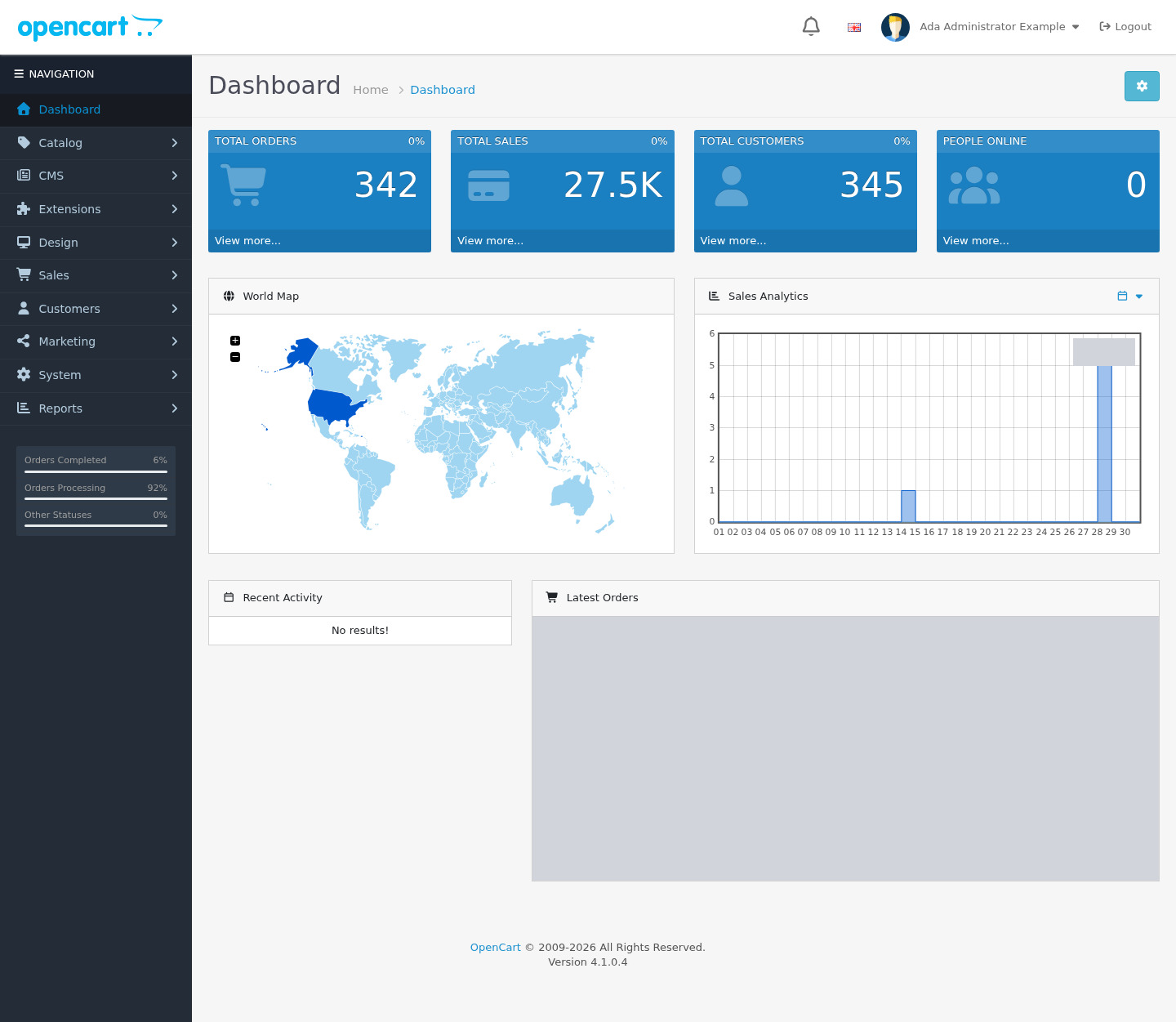
The same ASI sign-in opens store administration when you have Sale admin and an enabled store administrator account with the matching ASI User ID. Ada Administrator Example reaches the dashboard without another password prompt.
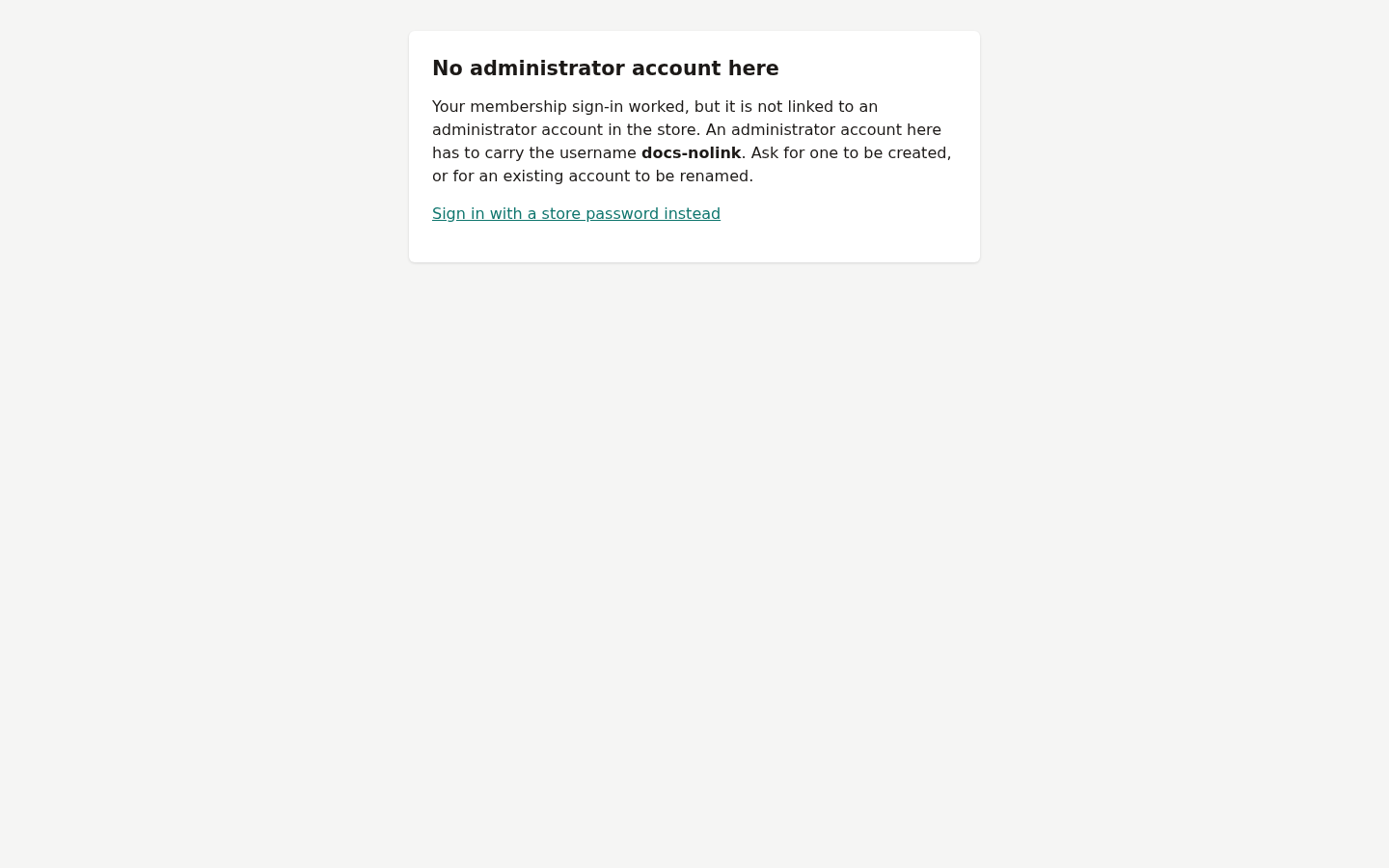
SSO does not create a store administrator account or expand its store user group permissions. A store administrator creates or enables the matching account and assigns the appropriate group. Nora Unlinked Example shows the guidance when that link is missing.
Access changes and sign-out
IrisDB checks the current Sale admin role on protected requests, including reads, saves, exports and sync. Removing it blocks the next protected action, even from an already-open page. An expired ASI sign-in leads back to the central sign-in screen.
Select Sign out in IrisDB or Logout in store administration to end ASI access in the current browser and open the shared confirmation page.